
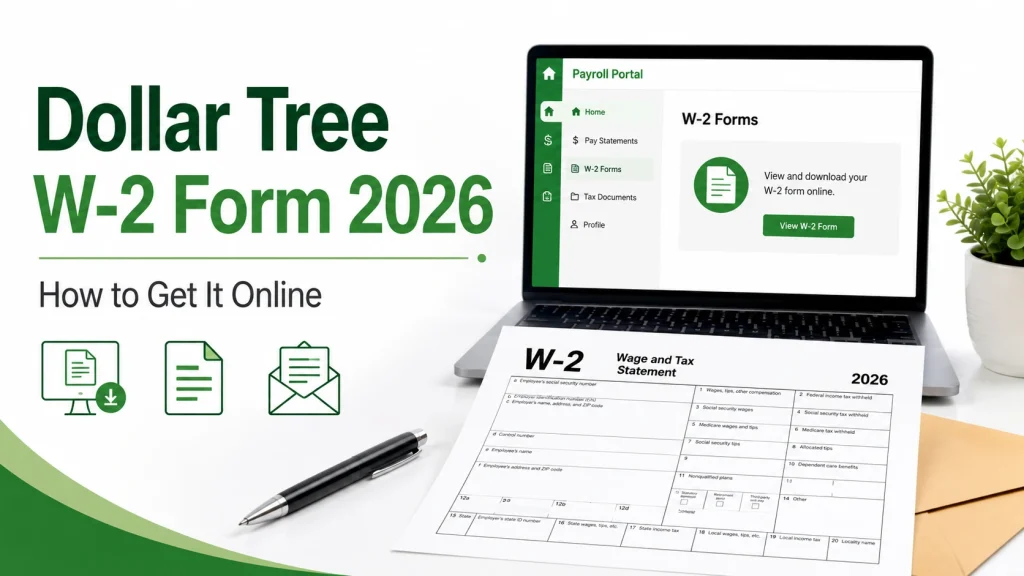
If you need your Dollar Tree W-2 form 2026, the fastest way to get it is usually online. Dollar Tree directs associates to its official self-service tools for payroll and tax documents, and tax forms are commonly accessed through Doculivery. Dollar Tree also states that paper W-2 forms are mailed to the home address on file as of January 13. Employers must furnish Form W-2 by January 31. In 2026, January 31 falls on a Saturday, so the practical deadline moves to Monday, February 2, 2026.
Whether you are a current worker or a former employee, this guide shows how to get Dollar Tree W-2 online, what to do if you cannot sign in, and what steps to take if the form is late or contains incorrect details.
Where to Find Your Dollar Tree W-2
Dollar Tree directs associates to official employee tools through its Associate Information Center, and its tax form page references Doculivery for access. The portal commonly used is:
Once you log in, look for the Tax Documents or W-2 section and download the form for the year you need. Dollar Tree’s associate page also notes that former associates can make address changes at mydoculivery.com/dollartree.
How to Download Dollar Tree W-2 Online
Follow these steps:
- Go to my.doculivery.com/DollarTree
- Enter your Employee ID and password
- Open the Tax Documents or W-2 section
- Select the tax year you need
- Download or print your form
After you save the file, keep a copy on your phone, computer, or cloud storage so you can find it again during tax season.
For Current Employees
If you still work at Dollar Tree, online access is usually the easiest option. You may also receive a paper copy by mail if one is issued to the address on file. Dollar Tree’s tax form page says paper copies are mailed using the home address on file as of January 13.
Before tax season, check that your mailing address is correct in your official employee system. Dollar Tree’s Associate Information Center says associates use company self-service tools for address and payroll-related updates.
For Former Employees
If you no longer work at Dollar Tree, you may still be able to get your former employee Dollar Tree W-2 through Doculivery. Dollar Tree’s Associate Information Center specifically says former associates can make address changes at mydoculivery.com/dollartree, which supports the use of Doculivery for ex-employee tax document access.
If you still know your Employee ID and password, try logging in through the same portal first. If that does not work, use the password reset option on the login page or contact Dollar Tree through its official associate support channels.
What If You Cannot Log In?
If your Doculivery login is not working, try these steps:
- Check that you entered the correct Employee ID
- Use the password reset option on the login page
- Try a different browser or device
- Clear your browser cache and open the page again
- Make sure you are using the official Dollar Tree Doculivery page
If you still cannot access your account, use the official Dollar Tree Associate Information Center to find the right support path.
W-2 Missing or Not Posted Yet
If your form is not available yet, do not panic. Employers generally must furnish W-2 forms by January 31, and when that date falls on a weekend, the deadline shifts to the next business day. For 2026, that means February 2, 2026. The IRS also advises workers to follow up if the form has still not arrived by mid-February.
What to do next
- Log back into Doculivery and check again
- Confirm your mailing address is correct
- Wait a few business days if it is still early in the mailing window
- Contact Dollar Tree through its official associate support resources if the form is still missing
What If Your W-2 Has Wrong Information?
If your form shows the wrong name, address, wages, or tax withholding, ask for a corrected form before you file your tax return. The IRS explains that Form W-2 is the employer wage and tax statement, so errors should be fixed by the employer.
Do not guess or file with details you believe are incorrect. Start by contacting the proper Dollar Tree support channel listed on the company’s associate resources page.
Key Dates for Dollar Tree W-2 Form 2026
| Date | What it means |
| January 13, 2026 | Address-on-file date mentioned on Dollar Tree’s tax form page for paper mailing records |
| January 31, 2026 | Standard W-2 furnish deadline set by federal rules |
| February 2, 2026 | Practical deadline in 2026 because January 31 is a Saturday |
| Mid-February 2026 | Good time to follow up if your form is still missing |
| April 15, 2026 | Federal tax filing deadline for most individual returns |
Related Help
Need more help? Read these next:
- Dollar Tree paystub guide
- HR contact and support
- Employee benefits overview
FAQs
Where do I get my Dollar Tree W-2 form 2026?
You can usually get it through the official Dollar Tree Doculivery portal at my.doculivery.com/DollarTree. Dollar Tree’s associate resources and tax form pages point employees to official self-service tools and reference Doculivery for access
Can I get my Dollar Tree W-2 online?
Yes. Many associates can view and download their W-2 online through Doculivery.
How to get Dollar Tree W-2 after leaving the company?
Try the Doculivery portal first using your old login details. Dollar Tree’s Associate Information Center says former associates can use mydoculivery.com/dollartree for address changes, which shows former associate access is still tied to Doculivery tools.
What if my Dollar Tree W-2 is missing?
Check Doculivery again, confirm your mailing address, and follow up through Dollar Tree’s official associate support channels if the form still has not arrived after the normal deadline window. Federal W-2 furnish rules generally require delivery by January 31, with the next business day applying when that date falls on a weekend.
What if my W-2 has an error?
Contact Dollar Tree through its official employee support path and request a corrected form before filing your taxes. The IRS says Form W-2 is the employer wage and tax statement, so errors should be corrected by the employer.
Where can I see my paystubs?
Dollar Tree pay information is handled through official self-service employee systems. For a full walkthrough, see the paystub guide. Dollar Tree’s Associate Information Center confirms associates use official self-service tools for payroll-related access
